

Free VPN for Chrome — No Registration Needed
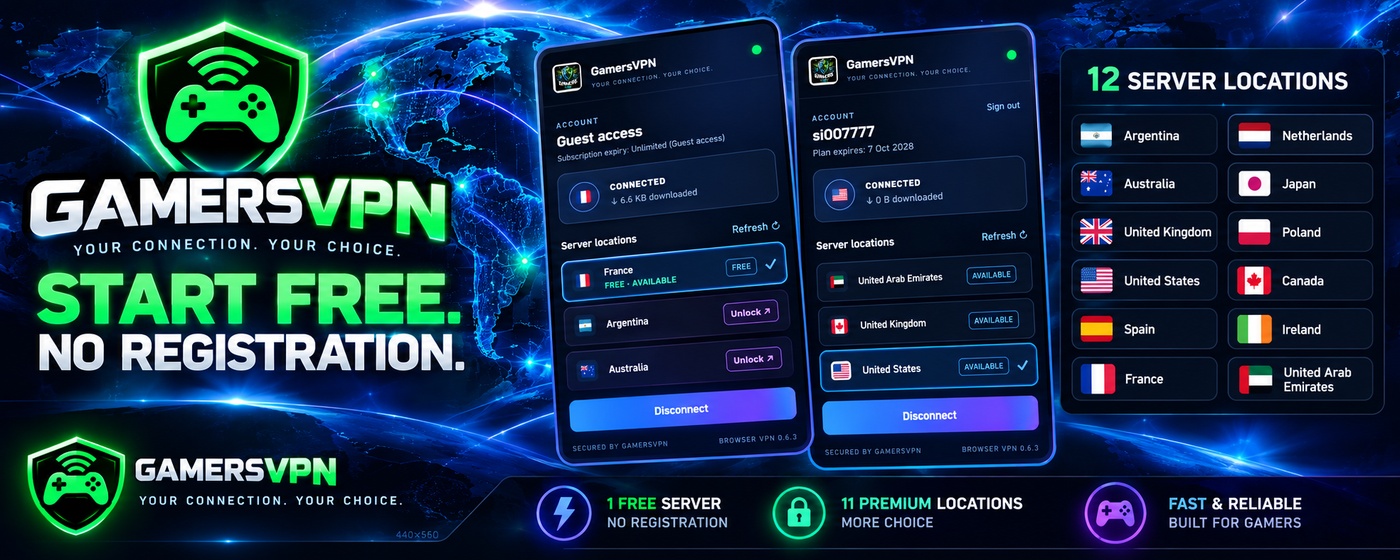
Get online with the GamersVPN Chrome extension. Start with one free VPN server without creating an account, then upgrade to unlock 11 premium server locations. Install the extension, open it, continue as a guest and connect in just a few clicks.
No account needed for the free server. Paid VPN usernames and plans are issued instantly after payment—no separate website registration required.
How to use the GamersVPN Chrome extension
Follow these quick steps to connect to the free Chrome VPN server. You don’t need to create an account or enter payment details to use guest access.
Install
Add the GamersVPN Chrome extension from the official Chrome Web Store.
Open the extension
Click the GamersVPN icon in Chrome to open the extension panel.
Continue as Guest
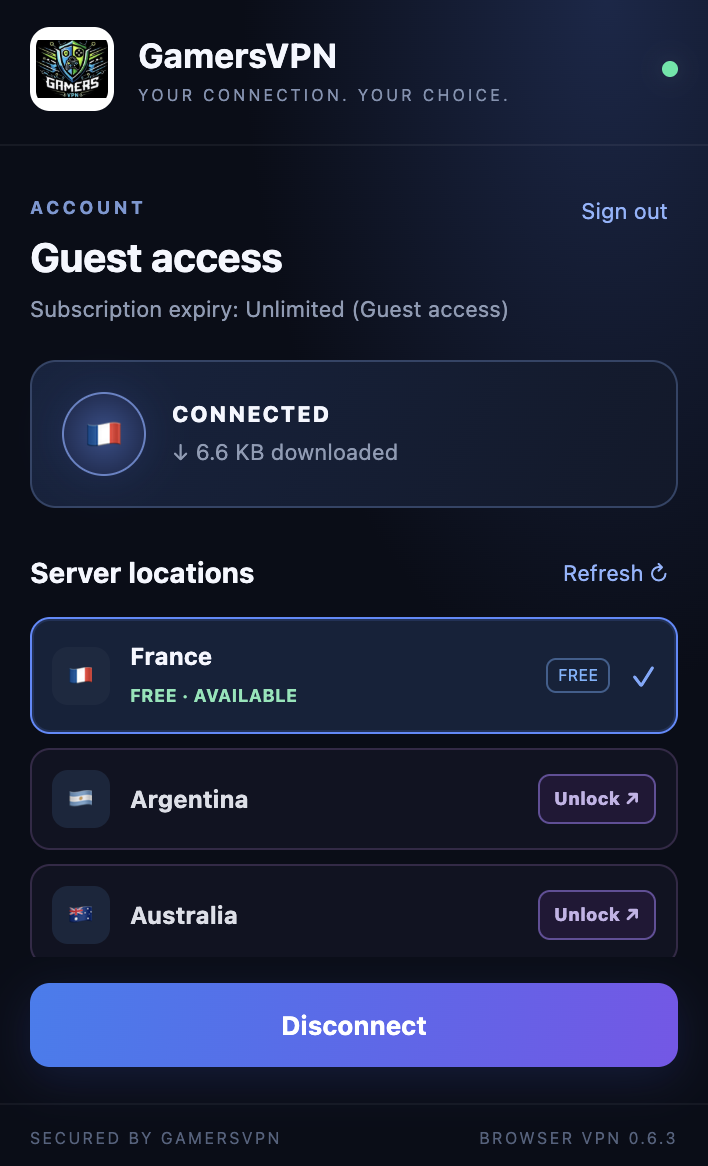
Choose Continue as Guest to use the free server without registering.
Click Connect
Connect to the free server and browse through the GamersVPN connection.
One free server. Eleven premium locations.
Try GamersVPN first with guest access. If you want to unlock the full server list, purchase a plan and use the VPN username and password issued after payment.
Free access — no account required
Choose Continue as Guest, click Connect and start browsing through the free server. The free server is currently in France; its location may change over time.
How guest access worksUnlock all 12 locations
Buy a plan through GamersVPN to unlock the 11 premium locations as well as the free option. Your VPN username and password are issued instantly after successful payment. Log in with those details instead of selecting guest access.
Get instant VPN access →*France is the current free-server location and may change. Availability and plan access are shown in the extension and at checkout.
GamersVPN Chrome VPN — FAQs
Quick answers about the free Chrome VPN extension, guest access and premium plans.
Is GamersVPN free to use in Chrome?
Yes. GamersVPN offers one free server that you can use without registering. Open the extension, select Continue as Guest and click Connect.
Do I need to register to use the free server?
No. Choose Continue as Guest in the extension. You don’t need to create an account to use the free server.
How do I unlock the 11 premium VPN locations?
Purchase a plan at Get Instant VPN. Your VPN username and password are issued instantly after payment. Use those credentials to log in to the extension rather than continuing as a guest.
Which VPN server locations are available?
The server list includes Argentina, Australia, the United Kingdom, the United States, Spain, France, the Netherlands, Japan, Poland, Canada, Ireland and the United Arab Emirates. France is currently the free server location and may change.
What if my VPN username or plan doesn’t arrive?
Paid usernames and plans are issued automatically after successful payment. If you have a problem, contact @gamersvpn on Telegram or email [email protected].
Does the Chrome extension protect every app on my computer?
The GamersVPN Chrome extension is designed for browser traffic through Chrome’s proxy connection. It is not a full-device VPN for every application on your computer.
Need help getting connected?
For payment, username or connection issues, contact the GamersVPN team.